Instagram Video to MP4 on iPhone: 4 Easy Steps (Android Too)
Copy the video link in Instagram, paste it into a web converter in your phone’s browser, and download the MP4. Steps for iPhone and Android, a method comparison and fixes.

Paste your link and convert Instagram to MP4 in a few seconds. This free online downloader works with public Reels, videos and Stories on any device. No account and no app needed.
Works with Reels, feed videos and Stories — no login needed.
Fetching your video…
1
Copy the Link
Open the Reel, video or Story on Instagram and tap Share → Copy Link.
2
Paste & Tap Download
Paste it above and hit the green button. That’s it.
3
Save Your Video
Preview it right here, then download it to your phone or computer.
Here’s the short version: no signup and no extra steps.
Copy the link of a public Reel, video post or Story and paste it into the box at the top of the page.
The tool fetches the video and prepares an MP4 file. Most conversions take only a few seconds, depending on video length and your connection.
Save the file to your device and watch it anytime, even offline.
Once you’ve tried it, you’ll see why people searching for how to do an instagram video convert to mp4 just bookmark this page and skip the rest.
No Login Required
100% Free Tool
Secure & Private
Unlimited Downloads
Reels are the most saved type of Instagram content, and this tool is built with them in mind. Paste the Reel link into the box, press the button, and you get a standard MP4 file you can play on any phone, tablet or computer.
What you get
The file is saved in the best quality Instagram makes available for that Reel. [Agar 1080p support hai: “That includes Full HD when the original was uploaded in HD.”] The sound is kept, so the Reel plays exactly as it does in the app, including the music or voiceover.
Why people save Reels
No extra clicks
Many downloader sites hide the download button behind extra ads and redirects. Here, the download link appears as soon as the conversion finishes, so you can save the file and move on.
A quick tip
Only public Reels can be downloaded. If a Reel doesn’t load, check that the account is public and that you copied the full link from the Share menu.
Not everything worth saving is a Reel. Longer feed videos and older IGTV clips work the same way. Paste the link, wait a few seconds, and the tool prepares an MP4 file for you.
What you can use it for
How it works
Open the video on Instagram, tap the Share icon, choose Copy Link, then paste it above. The tool fetches the video and gives you a download button. Nothing needs to be installed.
About quality
The quality of the file depends on the original upload. A video posted in HD will download in better quality than one that was uploaded in low resolution. The tool does not make a video sharper than the original.
Stories disappear after 24 hours. If a friend, creator or brand posts something you want to keep, such as a short clip, a announcement or a moment you don’t want to lose, it’s best to save it before it expires.
How to save a Story
Highlights
Stories that a user has added to Highlights stay on their profile after the 24 hours are over. If the profile is public, you can save Highlight videos in the same way.
Good to know
You can use this Instagram to MP4 downloader in any modern browser, so there is nothing to install. Open the page, paste your link and save the video, whether you are on a phone, a tablet or a computer.
Works in Chrome, Safari and Samsung Internet. You can convert Instagram to MP4 right from your mobile browser, with no app or APK needed, so it doesn’t use up your phone’s storage.
The full tool works in tablet browsers, with buttons sized for touch. The steps are the same as on a phone: copy the link, paste it and download the MP4.
Works on Windows, Mac and Linux in all major browsers. It is handy when you want to save a longer video or keep your downloads in one folder on your computer.
The tool is designed to load fast on both high-speed connections and slower mobile networks.
A quick look at what you can expect.
Many people try two or three downloaders before finding one that works properly. When you test any site, check that the download actually starts and that you aren’t being redirected to ads.
This Instagram to MP4 converter supports every public video type on Instagram.
Save any public Reel as an MP4 file, with its original sound.
Turn feed videos into a standard MP4 file you can play on any device.
Download Instagram Stories as MP4 before the 24-hour window ends.
Longer clips convert the same way, so you can save a full-length Instagram video as MP4 in one step.
“I needed to save a client’s reel for a pitch deck, and this was the fastest way to convert instagram videos to mp4 I’ve found. No account, no watermark.”
Austin, TX
“Was looking for a way to convert instagram to video for a school project and this just worked. Paste, wait a few seconds, done.”
Chicago, IL
“Finally a downloader that doesn’t force some sketchy app on you. Clean, fast, and it actually saves in HD.”
Mumbai, India
“Works great even on my slow internet. The audio quality is amazing 320kbps! Best free instagram audio download tool.”
Bangalore, India
Yes. It is free, with no subscription and no country-based pricing.
Copy the link of a public Instagram Reel, video or Story, paste it into the box on this page, press the download button and save the MP4 file.
Yes. It runs in your mobile browser, so no app is needed.
Yes. It works in Chrome and Samsung Internet on Android, and in Safari and Chrome on iPhone.
Yes. Everything happens in your browser.
The tool downloads the best quality Instagram provides for that video.
No watermark is added by this tool.
No login or account is needed for public content.

Copy the video link in Instagram, paste it into a web converter in your phone’s browser, and download the MP4. Steps for iPhone and Android, a method comparison and fixes.
This guide shows how to convert Instagram to MP4 for public Reels, video posts and
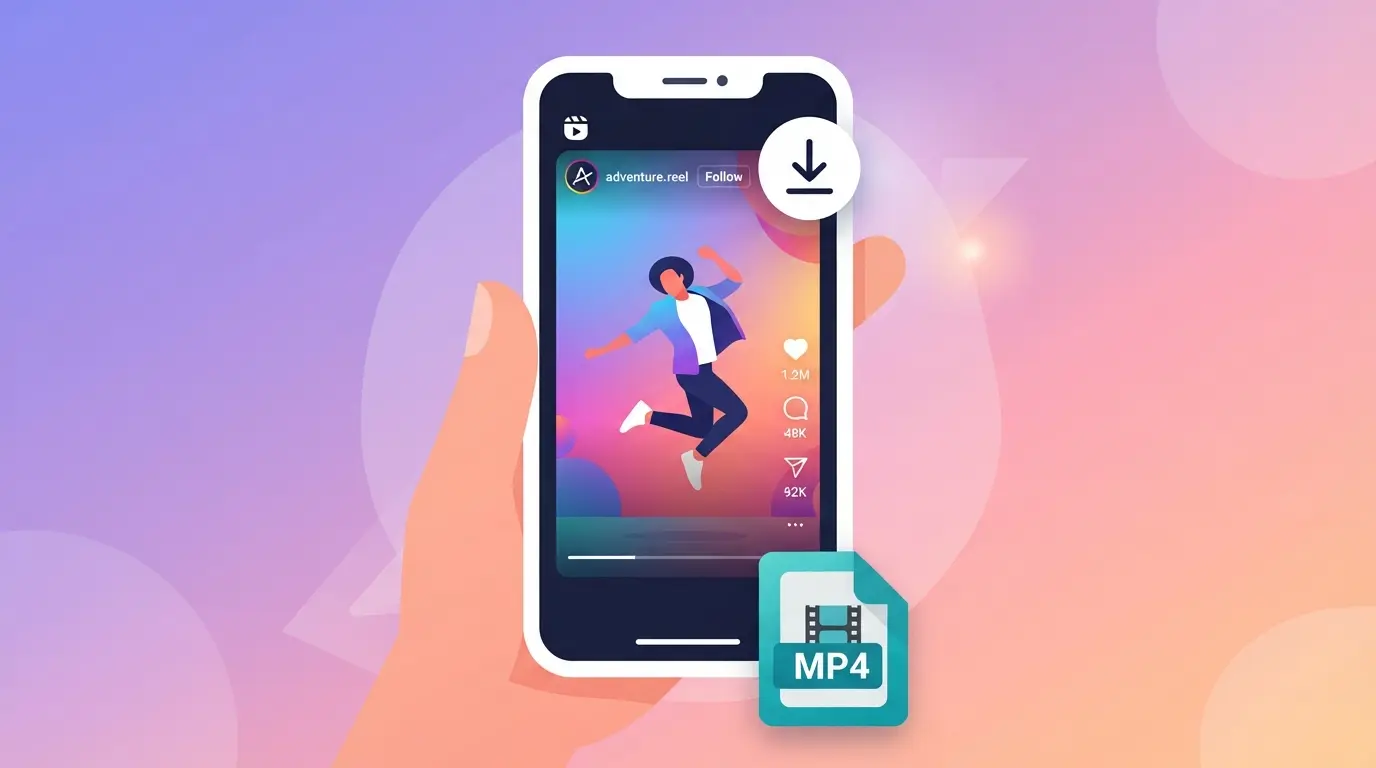
Paste an Instagram link into an MP4 downloader tool, and within a few seconds you
To save IG video from Instagram, copy the link of the post, paste it into
Pasting a link and getting back a clean MP4 file sounds simple, but most Instagram

Free, fast Instagram to MP4 downloader for reels, videos, and stories.
admin@instatomp4.com
info@instatomp4.com
Developed by | Ahsan Mushtaq